Modern businesses run on dozens of apps, and keeping them connected is critical. That’s where the Zapier and HubSpot integration comes in.
HubSpot organizes your contacts, sales, and marketing functions, while Zapier links HubSpot with thousands of external tools. Together, they eliminate repetitive tasks and ensure data flows smoothly across platforms.
The result is less manual work, fewer errors, and more time for growth.
If you’ve ever wondered how to make your CRM smarter without coding, this integration is the answer. It’s simple, powerful, and designed to help teams work faster and smarter.
In this guide, we’ll look into what the Zapier and HubSpot integration is, how it works, and when to use it.
Disclaimer: This content contains some affiliate links for which we will earn a commission (at no additional cost to you). This is to ensure that we can keep creating free content for you.
Table of Contents
What Is the Zapier and HubSpot Integration?
The HubSpot and Zapier integration connects your HubSpot CRM to 8,000 other applications through automated workflows.
Here’s how it works:
- HubSpot manages your contacts, deals, and customer communications.
- Zapier acts as the bridge between HubSpot and the tools it doesn’t natively connect with.
When something like a form submission, payment, or social media lead happens in one app, Zapier captures that event and sends the data to HubSpot. No manual export is needed.
It works in reverse, as well. When a deal closes in HubSpot CRM, Zapier can trigger actions in your project management tool, send Slack notifications, or update spreadsheets.
By combining HubSpot’s CRM power with Zapier’s automation, you can create smoother workflows and faster responses.
How Zapier and HubSpot Work Together
The Zapier and HubSpot integration works because each tool handles a distinct role. HubSpot manages customer data and internal workflows, while Zapier serves as the automation layer that connects HubSpot to your tech stack.
Together, they create flexible automation without adding technical complexity.
HubSpot’s Role in the Integration
In the Zapier and HubSpot setup, HubSpot operates as the core CRM and automation tool, storing contact data, deal pipelines, and customer interactions.
Native automation tools like workflows, lifecycle stages, and lead scoring manage how contacts, deals, and tickets progress internally.
Within the Zapier and HubSpot integration, HubSpot functions as both a trigger and an action destination:
- Trigger: Events in HubSpot, such as new contact created, deal stage changed, or form submitted, can launch tasks in other tools.
- Action: Zapier can send data into HubSpot to create records, update properties, or log activities.
This reinforces HubSpot as the single source of truth for customer data, while Zapier extends automation across thousands of connected apps.
HubSpot manages internal logic and routing, while Zapier provides cross-platform connectivity. Authentication is handled through secure HubSpot login using OAuth 2.0. This ensures safe data exchange between platforms.
Zapier’s Role in the Integration
Zapier serves as the automation middleware that connects HubSpot to over 8,000 external apps.
It operates using Zaps, which are workflows built on a trigger-action model. When an event/trigger occurs in one app (like a new form submission), Zapier detects it and performs an action in HubSpot, or vice versa.
Zapier’s core functions include:
- Event Monitoring: Polls connected apps at set intervals (1-15 minutes, depending on plan) to detect new data such as contacts, payments, or bookings.
- Field Mapping: Aligns external app data with HubSpot properties, deal stages, or custom objects.
- Multi-step Workflows: Joins actions together, such as capturing a lead, enriching data, creating a HubSpot contact, and sending a Slack alert.
- Conditional Logic: Uses filters and paths to route data intelligently based on defined criteria.
Once configured, Zaps run automatically in the background, keeping your data synchronized without manual intervention.
Overall, Zapier helps multiple tools run together to create seamless workflows.
Common Zapier and HubSpot Automation Workflows
The Zapier and HubSpot integration enables dozens of automation workflows. Below are some of the most common Zapier and HubSpot automation workflows teams rely on to save time and reduce manual effort.
Here are some common workflows you can create using the HubSpot and Zapier integration.
Add New HubSpot Contacts to a Google Spreadsheet
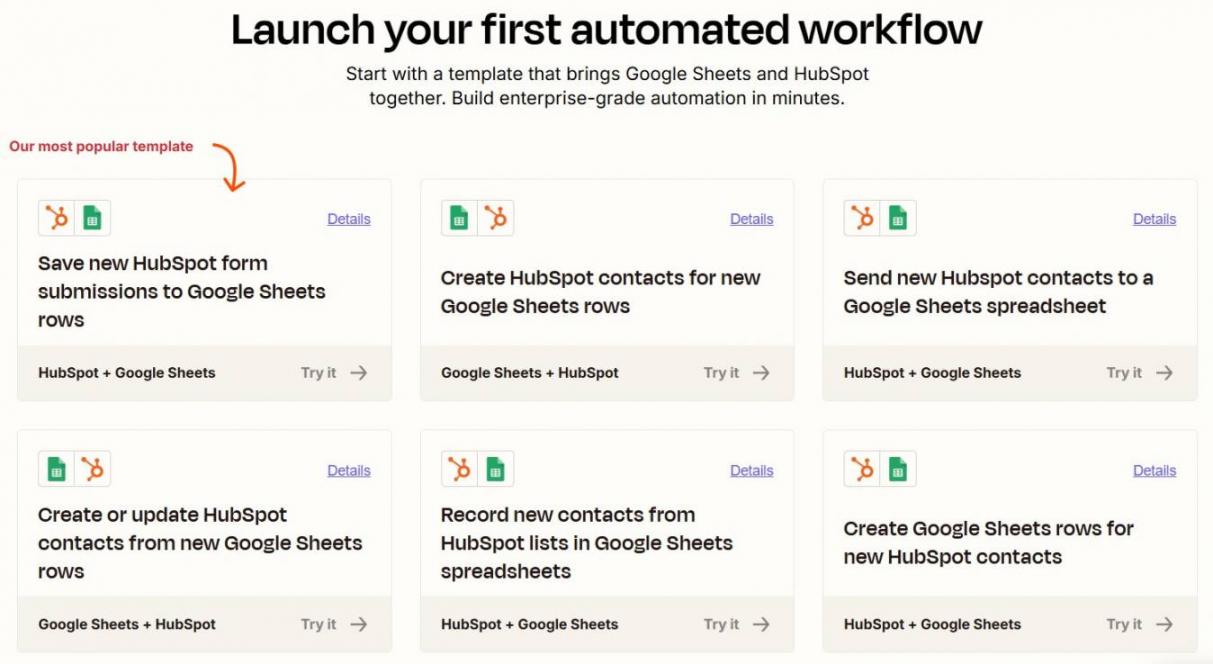
Image via Zapier
When you create a contact in HubSpot, Zapier can automatically add the details to Google Sheets.
This is useful for quick reporting, backups, or sharing lead data with external teams. The integration is bidirectional, so you can also create or update HubSpot contacts from Google Sheets rows.
Get an Email Alert for New HubSpot Contacts
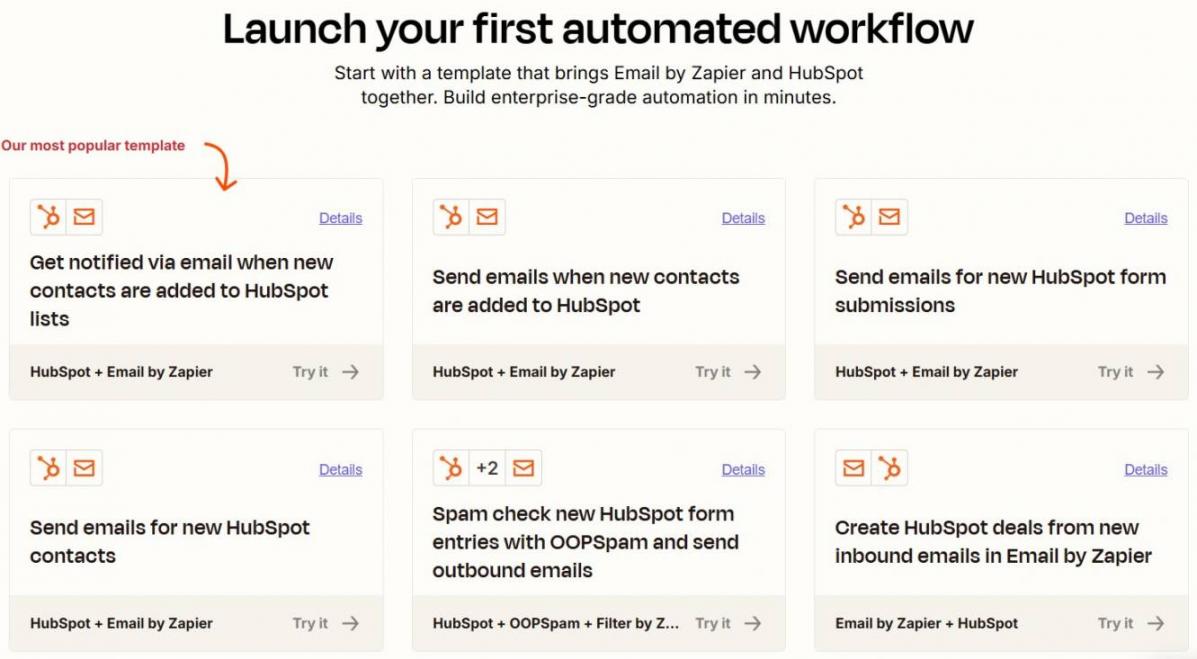
Image via Zapier
With this workflow, Zapier sends an email whenever a new contact enters HubSpot. It can also spam-check new entries with OOPSpam.
Sales or marketing teams receive instant notifications and can act faster. This is helpful for time-sensitive leads or high-intent signups.
Get an SMS Alert for New HubSpot Contacts
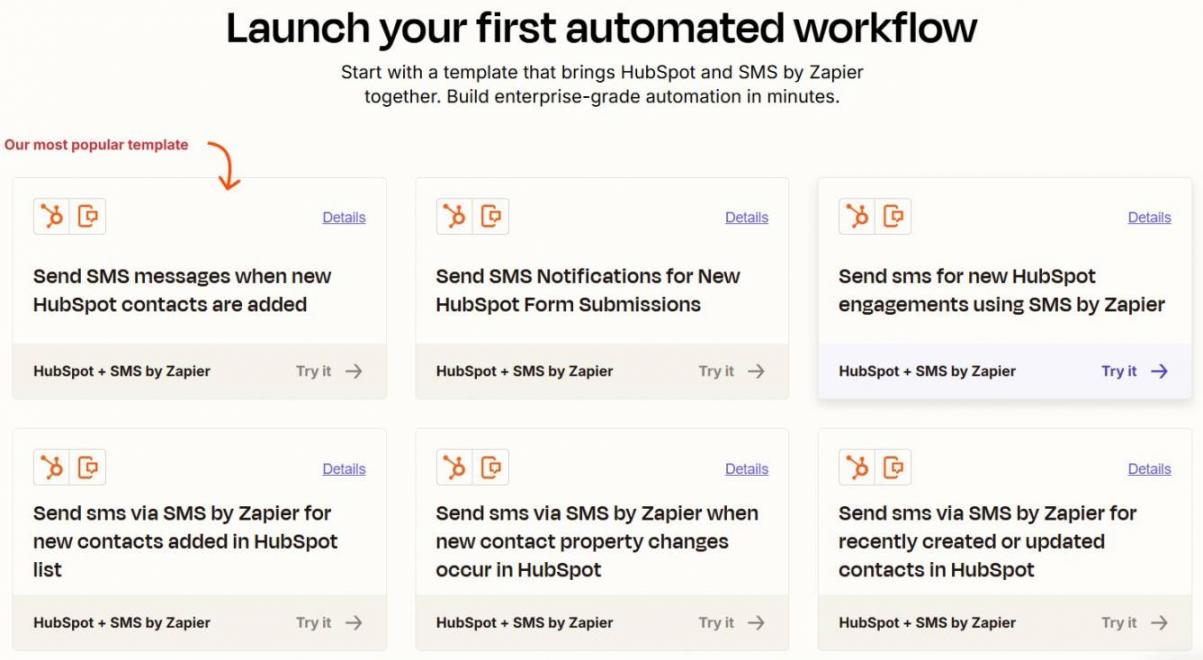
Image via Zapier
Zapier can trigger SMS messages when you create a new contact. It can even automate messages to specific contacts.
This works well for sales teams that need instant awareness of high-value prospects. It reduces response time, especially for inbound leads.
Send Leads from a Wufoo Form to HubSpot
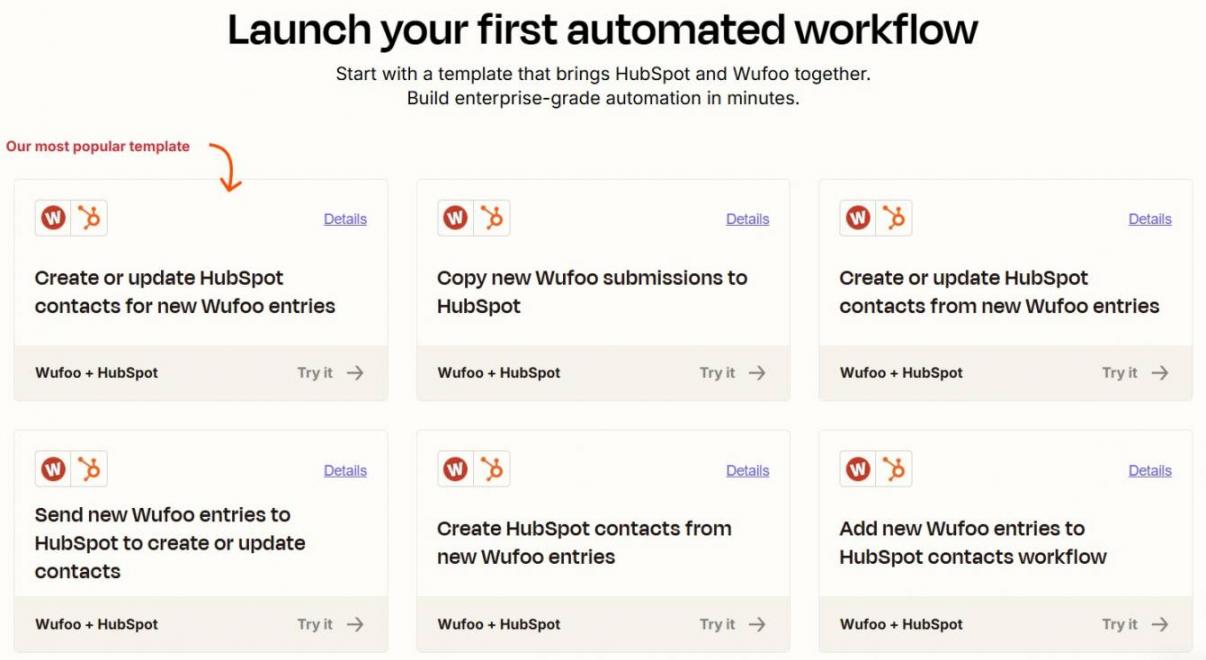
Image via Zapier
If you use Wufoo for form submissions, Zapier can automatically push those leads to HubSpot.
It updates your HubSpot CRM without manual data entry or CSV uploads, and ensures marketing campaigns reach every new contact.
Send Leads from an Unbounce Landing Page to HubSpot
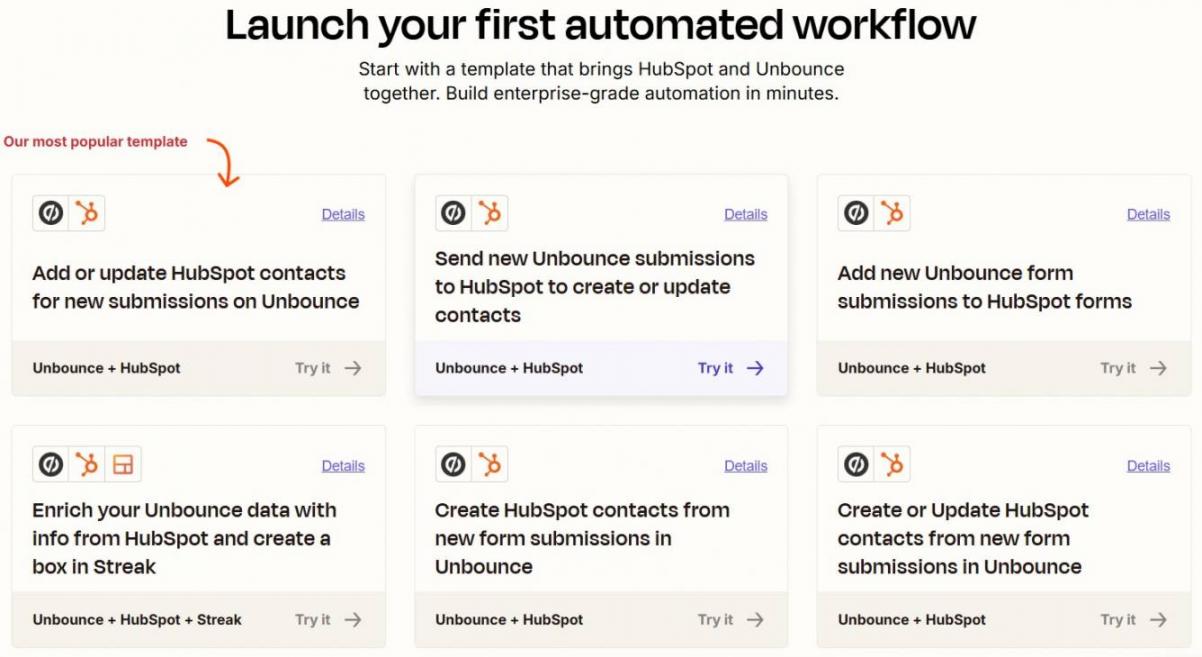
Image via Zapier
With the Zapier and HubSpot integration, landing page submissions from Unbounce flow directly into your CRM as new contacts.
It captures UTM parameters, form responses, page data, and contact details. This makes it ideal for marketing teams running multiple landing page campaigns.
Send Leads from Gravity Forms to HubSpot
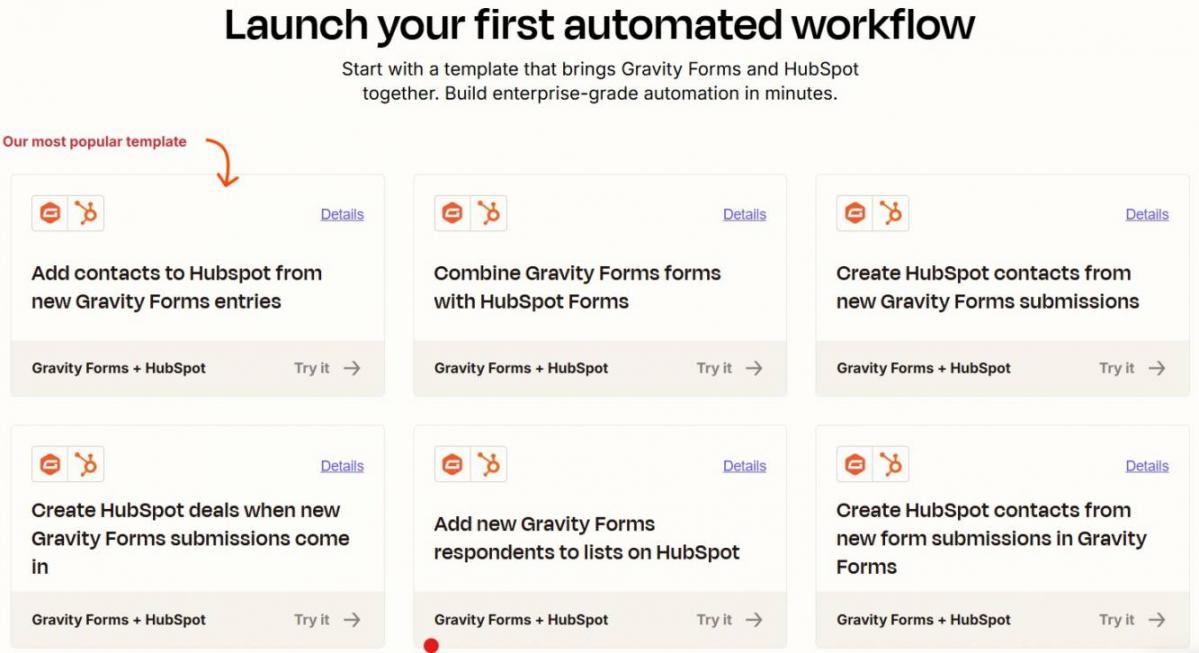
Image via Zapier
For WordPress users, Zapier can connect Gravity Forms to HubSpot to capture and sync marketing leads.
Each submission becomes a new contact or updates an existing record. This workflow is great for content sites, membership platforms, or WordPress-based lead generation.
You can also sync form submissions to tickets in the HubSpot Service Hub.
Send Eventbrite Registrants to HubSpot
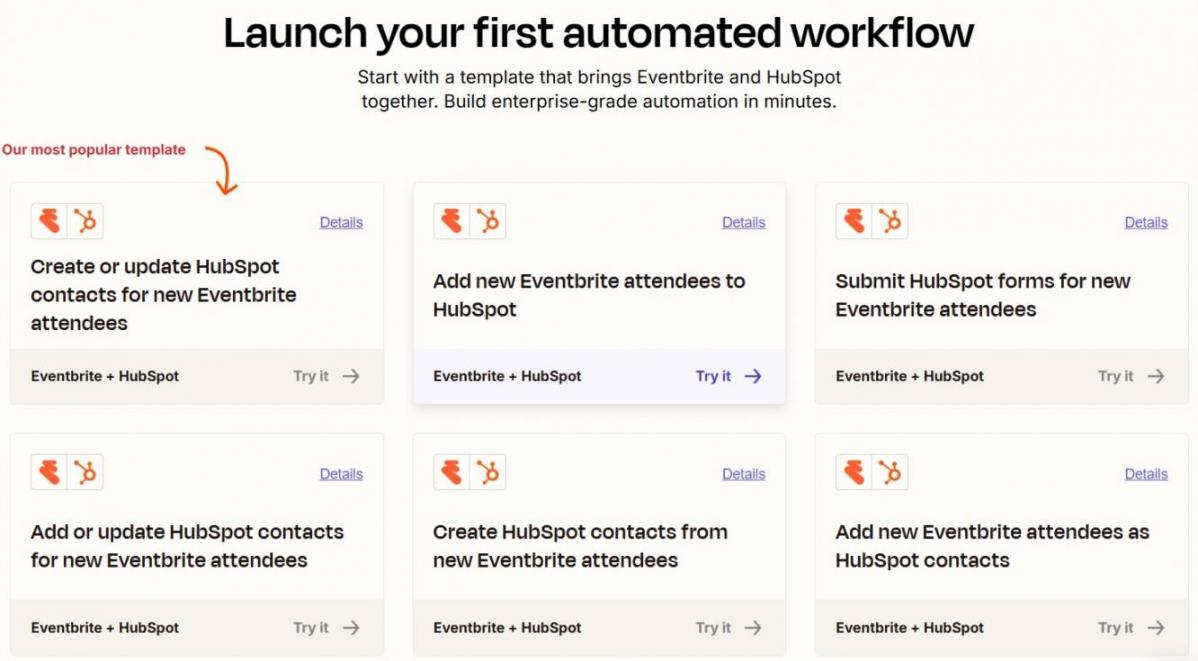
Image via Zapier
Event registrations automatically become HubSpot contacts with custom properties indicating which event they registered for.
You can then trigger email sequences, add them to nurture lists, or assign follow-up tasks like campaigns and post-event reporting.
Add New HubSpot Contacts to a Mailchimp List
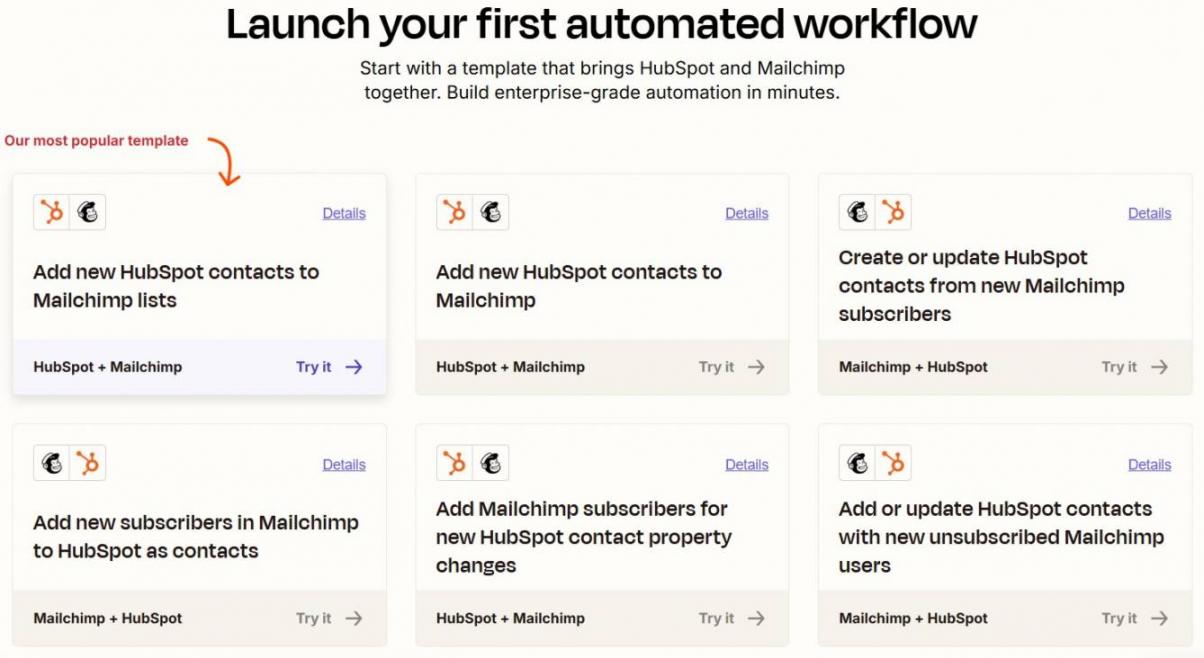
Image via Zapier
Zapier can sync new HubSpot contacts to specific Mailchimp audiences.
This workflow helps teams maintain consistent email lists across platforms. It’s useful for businesses running email marketing campaigns in MailChimp while managing sales in HubSpot.
These Zapier and HubSpot automation workflows reduce repetitive tasks, keep data consistent, and help teams respond faster. Whether you’re in marketing, sales, or support, they free up time for strategy instead of busywork.
Pricing Considerations
Pricing matters when deciding how deeply you’ll use the HubSpot and Zapier integration. Both tools offer free plans, but advanced automation often requires paid tiers. Here’s what you need to know before committing.
HubSpot Smart CRM Pricing
HubSpot Smart CRM powers your contacts, deals, and marketing data. Its pricing supports teams using Zapier and HubSpot for contact management and automation triggers, with plans scaling by features and seats:
- Free: No credit card required
- Starter: Starts at $15/month per seat
- Professional: Starts at $50/month per seat
- Enterprise: Starts at $75/month per seat
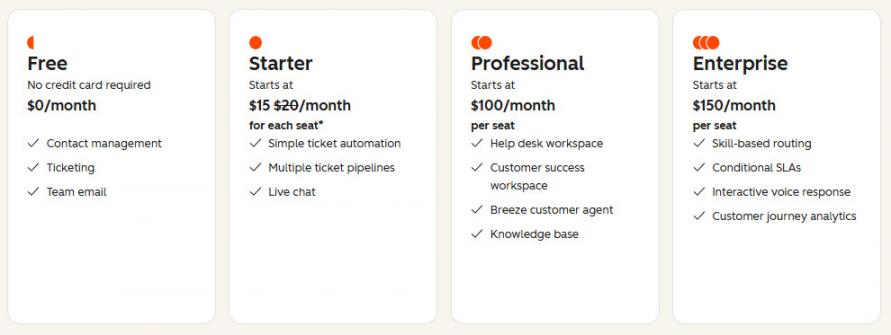
Image via HubSpot
Zapier Pricing
Zapier’s plans focus on automation volume and complexity. Higher plans support more users, multi-step Zaps, and unlimited premium apps.
- Free: For up to 100 tasks/month
- Professional: Starts at $29.99/month
- Team: Starts at $103.50/month
- Enterprise: Custom pricing
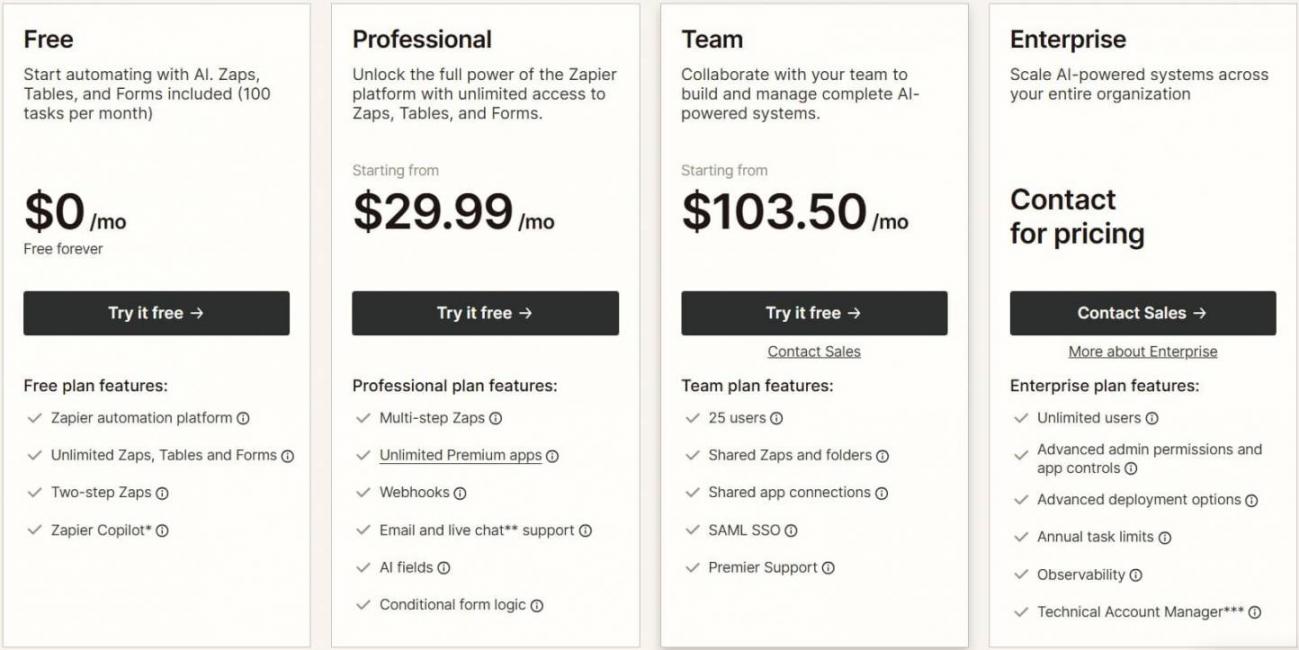
Image via Zapier
FAQ
Q1. Do you need Zapier if you already use HubSpot?
A. You don’t always need Zapier if you use HubSpot. The HubSpot Marketplace offers 2,000+ native integrations, which often cover common use cases.
You only need Zapier when your existing tools aren’t supported in the Marketplace. You may also need it when your workflows require multi‑app automation.
Q2. Can I use Zapier with HubSpot’s free CRM?
A. Yes, Zapier works with HubSpot’s free CRM. You can trigger automations from new contacts and basic record updates. However, advanced workflow logic requires paid Zapier and HubSpot plans.
Q3. How secure is the Zapier and HubSpot integration?
A. The Zapier and HubSpot integration is highly secure, with both platforms using encryption, permission-based access, and strict API controls. Both platforms use 256-bit SSL encryption, and they’re SOC 2 certified and GDPR compliant.
This integration uses OAuth 2.0, supports two-factor authentication, and has granular permissions for role-based access. Zapier only performs actions you authorize, and HubSpot protects your CRM data with enterprise-grade security.
Q4. What are the best Zapier and HubSpot automation workflows?
A. Some of the most impactful Zapier and HubSpot automation workflows include:
- Lead capture automations (Unbounce, Wufoo, or Gravity Forms to HubSpot)
- Event registration syncs (Eventbrite to HubSpot)
- Alert systems (SMS or email notifications for new high-value contacts)
These workflows deliver immediate time savings and improved lead response times.
Q5. Does using Zapier slow down HubSpot?
A. No, Zapier does not slow down HubSpot’s interface or core performance. However, Zapier and HubSpot automations can introduce slight delays in data syncing. This is more likely with high-volume or multi-step Zaps.
Is the HubSpot and Zapier Integration Right for You?
The Zapier and HubSpot integration gives you a simple way to connect your CRM with the rest of your tech stack.
It works best when each tool plays its role. HubSpot keeps your data organized, while Zapier automates the movement of that data across tools. Together, they help you respond faster and automate workflows without adding complexity.
If you want a CRM that grows with your business, HubSpot is the best place to start. Add Zapier when you’re ready to automate more and scale your workflows with ease.
Disclaimer: This content contains some affiliate links for which we will earn a commission (at no additional cost to you). This is to ensure that we can keep creating free content for you.